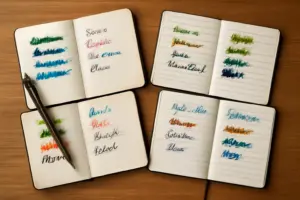
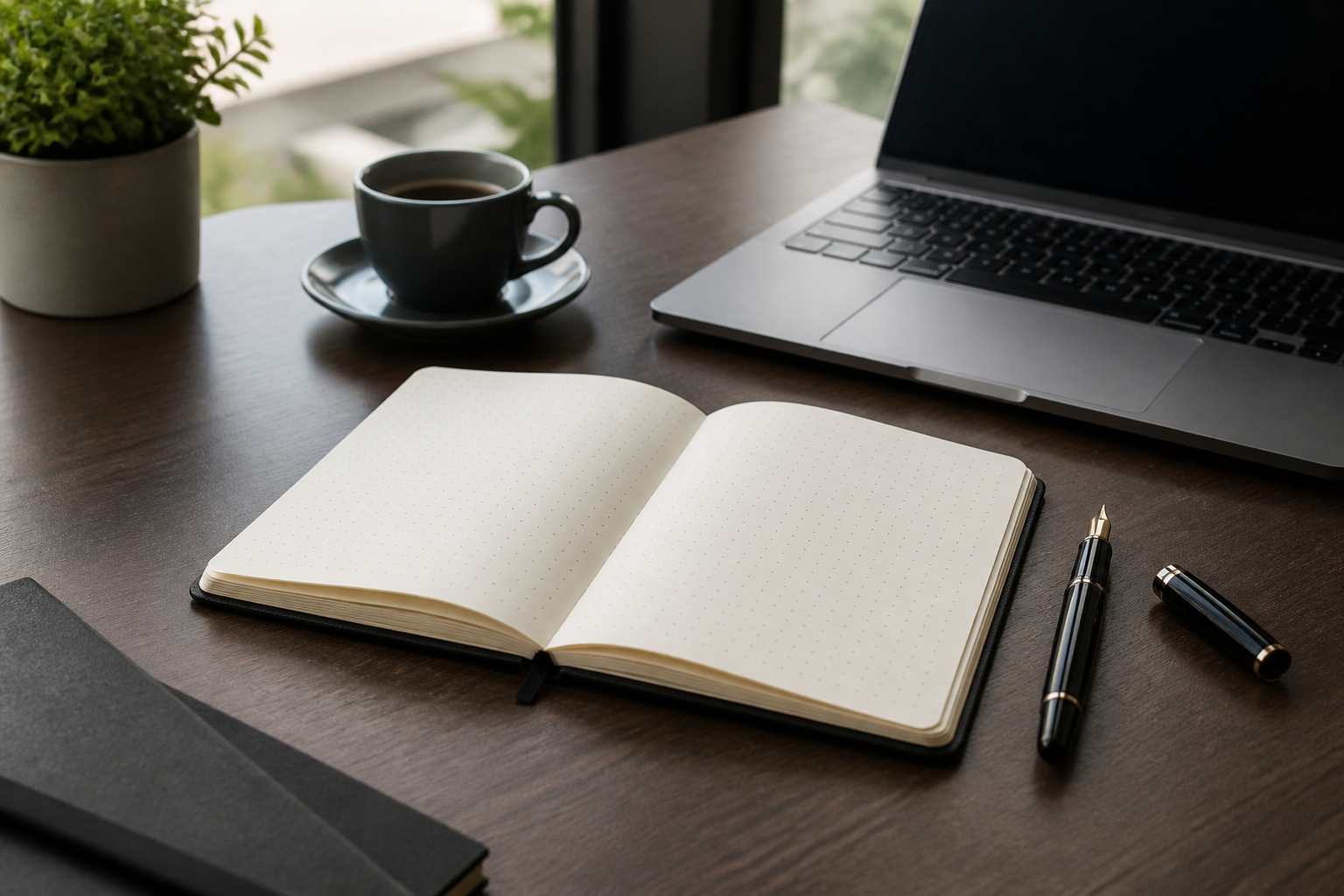
You’re in a meeting. Someone asks you to jot down an action item, sketch a quick timeline, or note a decision. Your notebook needs to handle all three—fast. This is the moment when choosing the best notebook for office use matters more than you might think.
The notebook question looks simple until you’re actually working in one. A journal-friendly dot grid notebook plays differently than one built for meeting notes. A blank page that’s perfect for sketching becomes frustrating when you’re writing three lines of text per second during a call. And size? That’s not a cosmetic choice—it’s the difference between a notebook that lives comfortably on your desk and one that gets abandoned in a drawer because it’s too awkward to carry between conference rooms.
If you’re searching for the best notebook for journaling, sketching, or personal reflection, this post isn’t the place—head to my full dot grid vs lined vs blank breakdown for the fuller breakdown across those uses. Here, we’re focused entirely on office work: meeting notes, structured to-do tracking, occasional diagrams, and the professional appearance that matters when your notebook is visible in a client call.
I’ve spent a decade testing pens and paper across every context imaginable. When it comes to office notebooks, the best choice depends on one thing: what actually happens at your desk or in your meetings. Let’s figure out which ruling and size will actually work for how you work.
Dot Grid vs Lined vs Blank for Office Use
In an office context, each ruling style has a very specific job—and a specific weakness. Let’s separate them by what office work actually demands.
Lined Paper: The Default, But Not the Best
Lined notebooks are the safe choice. They’re familiar, they feel professional, and they’re what most people reach for by habit. There’s a reason: lined pages are optimized for linear note-taking. Your pen follows the line naturally. Action items, status updates, and meeting summaries flow downward without thought.
The problem surfaces when the meeting shifts. Someone proposes an organizational change, and you need to sketch a quick org chart. A client describes a process flow, and you want to jot down five boxes with arrows between them. You suddenly realize lined paper fights back. Your boxes won’t align. Your attempt at a table becomes a mess. You’re working against the paper instead of with it.
That said, lined notebooks do have a professional advantage: they look unremarkable. If a colleague glances at your page, they see familiar ruled lines. Nothing stands out as unusual. That matters in some office cultures more than others.
Dot Grid: The Quiet Best-Rounder
Dot grid is where most office notebooks should live—and I say this after years of resisting the category for professional use, convinced that anything “trendy” couldn’t be serious.
Here’s what changed my mind: the dots are invisible from more than a few inches away. From a distance, a dot grid page looks almost blank. Close up, those dots function as an invisible structure that lets you do something lined paper can’t. You can indent lists naturally. Build a quick table. Draw a box-and-arrow diagram. Sketch a timeline. Then, five lines below, return to linear notes without the paper feeling confused about what it’s supposed to support.
The dots also do something subtle but real: they guide your hand. Blank paper invites cramped, slanted, or drifting handwriting. Lined paper locks you into one direction. Dots? They suggest structure without enforcing it. Your words stay straighter and more evenly spaced than they would on blank paper, which matters during a fast meeting when you’re not thinking about penmanship.
Specifically, if you need to draw even a moderately straight table freehand, dot grid will keep your lines far straighter than blank paper allows. This small thing solves a real problem: the handwritten table that’s readable versus the one that looks like it was sketched on a train.
Blank Paper: The Hardest Sell for Most Office Roles
Blank notebooks deserve credit for flexibility, but in a typical office job, that flexibility becomes a liability. Without lines or dots, your handwriting in fast note-taking drifts. Your sentences slope. Pages feel disorganized even when the information is good.
Fast note-taking on blank paper is noticeably slower. Your brain is doing two jobs: capturing the words and maintaining the physical layout. That’s a cognitive load you don’t need during a meeting.
The exception: if you’re in a design, architecture, or highly visual role where diagram freedom genuinely outweighs the loss of structure, blank makes sense. For everyone else—which is most office jobs—the cost isn’t worth the benefit.
What Size Notebook Actually Works for an Office Job
Size matters more than it seems. Too small and you’re flipping pages constantly. Too large and the notebook never leaves your desk because it won’t fit comfortably in a work bag. The right size anchors the whole experience.
A5 (Roughly 5.8 x 8.3 inches): The Standard Office Sweet Spot
A5 is the size I recommend for most office work. It’s large enough to hold a full meeting’s worth of notes without flipping pages every two minutes. There’s room to spread out. You can indent lists, leave white space between ideas, and sketch a diagram without feeling cramped.
It also fits comfortably in a work bag or a desk drawer. This is not a small thing. A notebook that’s genuinely portable will be used; one that’s awkward to carry gets left behind. A5 balances enough page space with genuine portability.
In my experience, A5 is the Goldilocks size: not so small it becomes frustrating, not so large it becomes unwieldy.
A6 and Pocket Sizes: Quick-Capture, Not Primary
Smaller notebooks—roughly 4 x 6 inches—serve a specific role: the quick-capture notebook you carry between meetings or desks. They’re genuinely portable. You can slip one into a jacket pocket.
However, they’re too small to be your primary meeting notebook. You’ll flip pages constantly. Action items get scattered across multiple pages. Notes feel fragmented. Use a pocket notebook as a supplement, not your main office notebook.
B5 and Letter-Adjacent Sizes: For High-Diagram Roles
B5 (roughly 7 x 10 inches) and letter-sized notebooks offer significantly more page width. They’re worth considering if your work involves lots of diagramming, wide tables, or complex project planning that genuinely benefits from the extra horizontal space.
The trade-off is portability. These notebooks mostly live on your desk. They fit awkwardly in most work bags. If you’re carrying a notebook between meetings frequently, B5 becomes more burden than benefit.
Practically speaking: if your notebook mostly stays at your desk, size up for more working room. If it travels between meetings and desks, A5 wins.
Critical Details: Binding, Covers, and Page Count
Once you’ve chosen ruling and size, three specification details matter far more in an office context than in personal notebooks.
Lay-flat binding: A notebook that won’t stay open one-handed during a phone call is genuinely frustrating. You need to hold the book open while writing, which wastes the hand you could be using to hold your phone or coffee. Spiral binding or lay-flat perfect binding solves this. Hardcover notebooks with stiff spines don’t.
Hardcover construction: Office notebooks live in bags, get shoved in desk drawers, and accumulate small damage over weeks of daily use. A softcover journal looks beautiful on day one. It looks battered after three months in rotation. Hardcover notebooks hold up noticeably better under the wear of actual office life.
Page count: Somewhere between 60 and 160 pages is practical for office use. Too few pages and you’re switching notebooks mid-month. Too many and the notebook becomes thick and awkward to carry. In my experience, 80–120 pages hits the right balance for a notebook that lasts a month without becoming a brick.
Paper Quality: The Thing Most Office Notebooks Get Wrong
Before the picks, the specification nobody prints on the cover: paper weight. Standard office paper is 80gsm and most cheap notebooks match it, which is fine for a ballpoint and marginal for anything wetter. At 80gsm a gel pen ghosts — you see the writing from the previous page — and a fountain pen or a fat marker will bleed through outright.
Ninety grams is the point where ghosting mostly stops. At 100gsm and above it stops entirely and you can write on both sides without thinking. If you only ever use a ballpoint this is irrelevant; if you use anything else it is the single most important number in this whole article. I have written about the bleed-through test I use separately.
The other spec worth knowing is dot spacing. Five millimetres is standard and works for most handwriting. Some notebooks use 3.5mm, which suits small writing and looks cluttered under a broad nib.
The Notebooks I Would Actually Buy
Best overall: Leuchtturm1917 A5 dotted
Paper: 80gsm | Pages: 251, numbered | Binding: Hardcover, lay-flat | Dot spacing: 5mm
The Leuchtturm is the default office notebook for good reason: numbered pages and a printed index at the front, which means you can actually find a decision you wrote down six weeks ago. It has a back pocket for the receipts and business cards that otherwise migrate to the bottom of a bag, and two ribbon markers.
The paper is only 80gsm, so a wet fountain pen will ghost. With a gel pen or a fine nib it is fine. The numbered A5 hardcover is the version to get; there is also a forest green dotted edition if you want to tell notebooks apart on a shelf.
Best paper: Rhodia Webnotebook A5
Paper: 90gsm Clairefontaine | Pages: 192 | Binding: Hardcover, lay-flat
If you write with a fountain pen at work, this is the answer and it is not close. Rhodia uses Clairefontaine’s 90gsm paper, which is smooth enough to make a mediocre nib feel good and heavy enough that ghosting essentially disappears. Ink dries slower on it — that is the trade for the smoothness — which matters if you are left-handed.
It costs roughly twice a Leuchtturm and has no page numbers or index. The Webnotebook is the classic; the Goalbook adds numbered pages and an index at similar weight, which for office use is arguably the better buy.
Best lined option: Clairefontaine Age Bag A5
Paper: 90gsm | Pages: 192 | Binding: Thread-bound
If your role is genuinely all prose — interview notes, minutes, long dictation — lined still wins, and Clairefontaine makes the best lined paper at a sane price. Thread-bound so it opens completely flat, and the same 90gsm stock as the Rhodia. The Age Bag A5.
Best for appearances: Moleskine Classic Large
Paper: 70gsm | Pages: 240 | Binding: Hardcover
I include the Moleskine with a caveat, because it is the notebook most people picture and the paper is the weakest here at 70gsm — anything wetter than a ballpoint will show through. What you are buying is the object: it looks right on a conference table and it survives a bag better than most.
If your notebook is visible in client meetings and you write with a ballpoint, the Classic Large ruled is a reasonable choice. If you write with anything else, buy the Rhodia.
Best for volume: bulk dot grid multipacks
If you go through notebooks quickly, hand them out to a team, or simply do not want to think about it, buying twelve at once is a legitimate strategy and I am not going to pretend otherwise. The paper is ordinary and the covers are soft, but for meeting notes that get transcribed and discarded, that is sufficient.
A twelve-pack of A5 dot grid works out to roughly a pound a notebook, and the colour-coded version is genuinely useful if you keep one book per project. For a desk-based role wanting more page room, a letter-sized spiral pair gives you 8.5 x 11 inches and lies completely flat.
What I would not do is make one of these your only notebook if you write with a fountain pen. Sixty pages at unspecified weight is a false economy when the ink bleeds.
My Recommendation for Office Use
Start with dot grid in A5, hardcover, lay-flat binding. If you write with a ballpoint or gel pen, buy the Leuchtturm for the numbered pages and index. If you write with a fountain pen, buy the Rhodia Goalbook and accept the slower dry time. If you are equipping a team or you fill a notebook a month, buy a multipack and stop optimising.
Why dot grid for office use specifically? Because it’s the compromise that actually works. It supports linear fast note-taking like lined paper. It accommodates diagrams and tables like blank paper. And it maintains the professional appearance that matters when someone glances at your open notebook during a meeting. It’s not trendy in an office context—it’s practical.
The size question is simpler: if you’re primarily at a desk, go larger (the letter-adjacent BESARME option). If your job involves moving between meetings and spaces regularly, A5 is the right balance.
Why This Matters More Than You Think
A notebook choice sounds small. In practice, a notebook that works with your actual office routine—not against it—saves you small moments every single day. You capture notes faster. You don’t waste mental energy working around the paper. You actually carry it to meetings instead of leaving it behind. Over weeks, that adds up to a real difference in how organized and responsive you are at work.
Conversely, a notebook that doesn’t fit your workflow becomes invisible—shoved in a drawer because it was the wrong ruling or the wrong size. The best notebook for office use is the one you’ll actually use every day.
If you’re still exploring what works for journaling, sketching, or personal use cases beyond the office, my full dot grid vs lined vs blank breakdown covers those scenarios in detail. This guide stays narrowly focused on what actually works for meetings, action items, and the professional contexts where your notebook is a working tool, not a personal space.
About This Article

Written by Ellen Ashford. Watch collector, fountain pen enthusiast, and lifelong journaler. Time & Ink is where I explore the craft of analog living — from vintage timepieces and fine stationery to the simple pleasure of putting pen to paper. More about this site.
Verify this against a primary source
Specifics change, and your situation may differ from the one described here. These are the authorities worth checking directly:
- NAWCC — horological reference, archives and research library
- Smithsonian Institution — collection records for historic timepieces and writing instruments